Security Never
Shuts Down
8 Channel Wi-Fi Network Video Recorder
VIGI NVR1108H-W
Simple HDD Installation**
-
1.
Press and hold the side cover latch to remove the side cover.

-
2.
Push the HDD to insert it into the hard disk slot.

-
3.
Fasten the screws to secure the HDD, using the correct HDD screw holes.

-
4.
Reinstall the side cover .


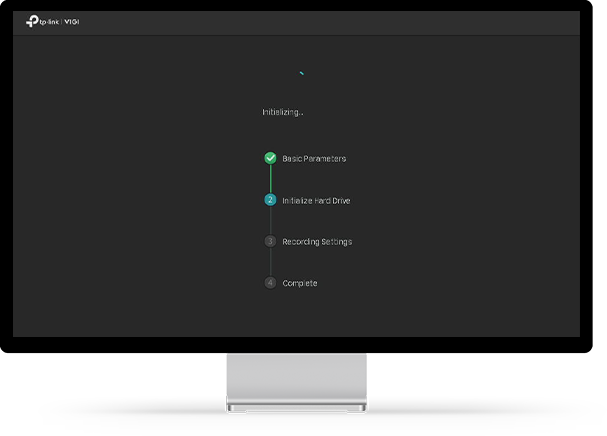

Auto Initialize for Quick Configuration
Just click “Auto Initialize” to set up basic IPC and hard disk parameters, greatly reducing your configuration time.
Click “Auto Initialize”
Initializing
Done
*The NVR requires a stable network environment for continuous recording. We recommend only connecting the NVR to cameras to prevent other clients from using bandwidth.
**HDD is not included.
+The number of simultaneously playable channels may be fewer than eight, or none, if the total resolution exceeds 16MP.
‡The alarm function requires the use of a camera.
△This model currently supports ONVIF Profile S.