


One Dashboard, Every Branch: Multi-Site Network Management for the Philippines
Published: July 14, 2026 | Last Updated: July 14, 2026
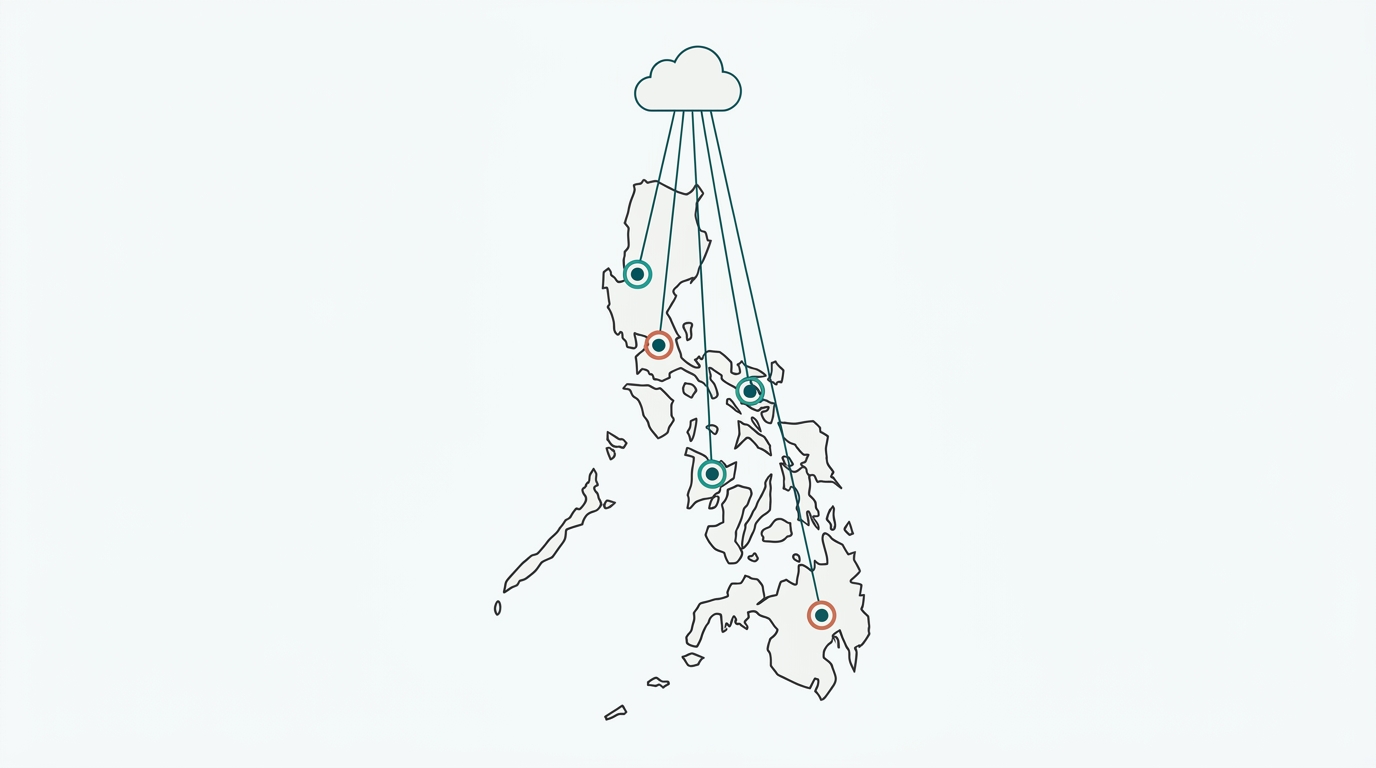
Multi-site network management means controlling every branch's access points, switches, and gateways from a single cloud dashboard, and doing so in a way that accounts for the Philippines' real regional gaps in internet speed, power reliability, and site logistics, rather than assuming every location behaves like the first one.
Quick Answer
-
A cloud-based controller manages access points, switches, and gateways across every branch from a single dashboard, whether that's three locations in one city or fifty spread across the archipelago.
-
What changes between one site and many isn't the hardware; it's consistency: configuration, guest WiFi, security policy, and monitoring all need to behave identically across every branch, not just headquarters.
-
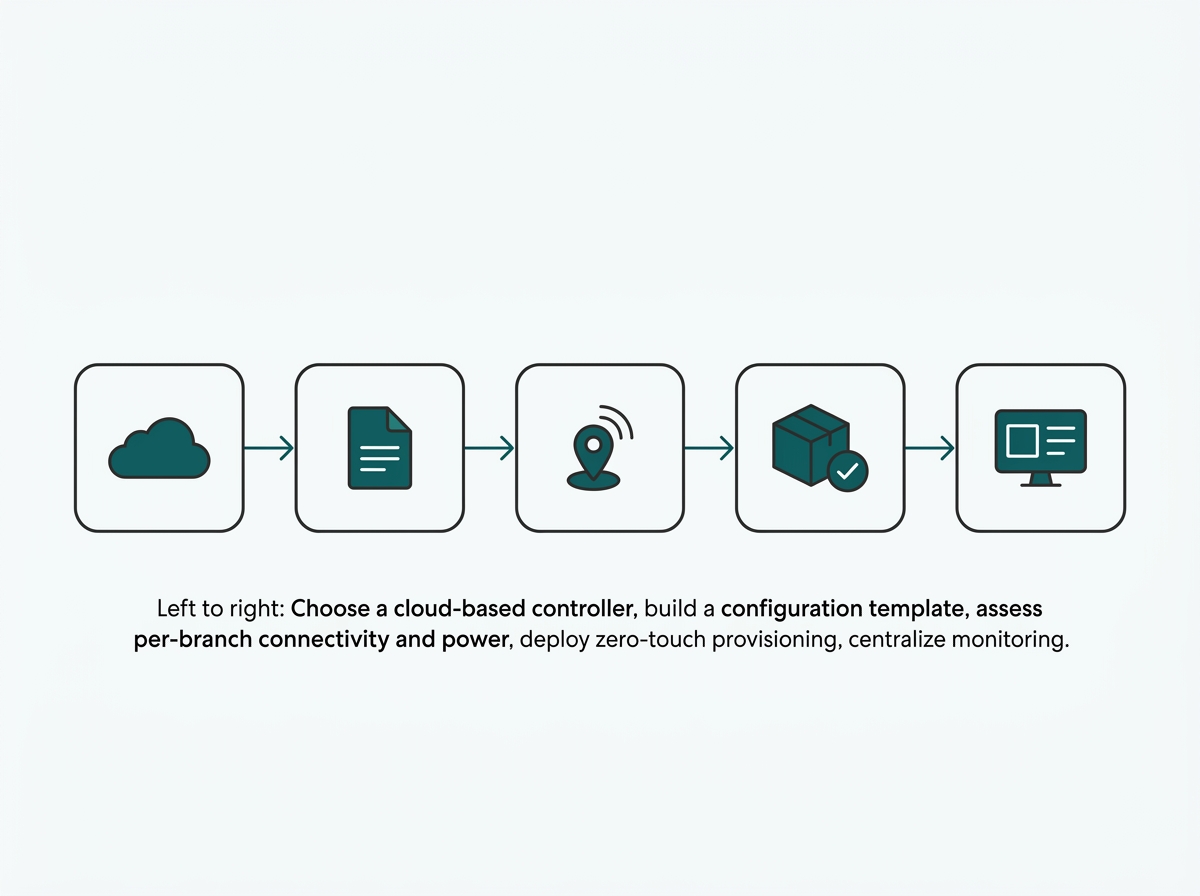
Rolling out multi-site management follows five steps: choose a cloud-based controller, build a configuration template, assess connectivity and power per branch, deploy zero-touch provisioning, and centralize monitoring.
Table of Contents
Multi-Site Network Management Means One Dashboard Controlling Every Location
What Changes When a Network Grows From One Site to Many?
Why Multi-Site Management Looks Different Across the Philippines
How Do You Keep Configuration and Compliance Consistent Across Every Branch?
What Are the Steps to Roll Out Multi-Site Network Management?
This guide builds on our Business WiFi Solutions Philippines, Network Infrastructure & Design, and Network Security for Businesses pillars, focused specifically on managing all of that across many locations at once.
Multi-Site Network Management Means One Dashboard Controlling Every Location's Access Points, Switches, and Gateways
The Philippines has around 120,000 franchise outlets across roughly 1,800 brands, according to the Philippine Franchise Association, on top of countless multi-branch offices, school systems, and retail chains that never franchise at all. Every one of them faces the same problem: keeping dozens or hundreds of physical locations running the same network configuration, the same guest WiFi experience, and the same security policy, without sending an engineer to each site by hand.
Instead of logging into each branch's hardware separately, a cloud-based controller gives one administrator, or a small team, visibility and control over every site's network from a single interface, whether that's three branches in one city or fifty spread across multiple regions.
What It Means for You: A franchise owner with 12 locations currently checking each branch's WiFi health by calling the local manager is doing manually what a cloud-based controller does automatically and doesn't scale past a handful of sites before something gets missed.
What Changes When a Network Grows From One Site to Many?
The underlying hardware, access points, switches, and gateways don't change. What changes is how consistently it all needs to behave.
|
Aspect |
Single Site |
Multi-Site |
What It Means for You |
|---|---|---|---|
|
Configuration |
Set up once, manually |
Templated and pushed to every new site automatically. |
A 20th branch launches with the same settings as the first, without a technician retyping anything. |
|
Guest WiFi |
One captive portal to design |
The same branded experience and consent language are enforced everywhere. |
A customer at any branch sees the same login screen and the same consent language, not a different setup per manager. |
|
Security policy |
Applied to one network |
Must apply identically across every branch, with no weak link. |
One under-configured branch can't quietly become the entry point for a much bigger breach. |
|
Monitoring |
One dashboard, one site |
One dashboard covering every site's health and traffic at once. |
An outage at Branch 30 shows up on the same screen as Branch 1, instead of waiting for a phone call. |
|
New site setup |
An engineer configures on-site |
Zero-touch provisioning: ship hardware; it self-configures on power-up. |
A non-technical store manager can plug in a new access point and have it join the network correctly on its own. |
What It Means for You: The jump from one site to two doesn't usually break anything. The jump from five sites to fifteen is where manual, per-site configuration starts producing visible inconsistencies, since no single person can hold every branch's settings in their head anymore.
Why Multi-Site Management Looks Different Across the Philippines
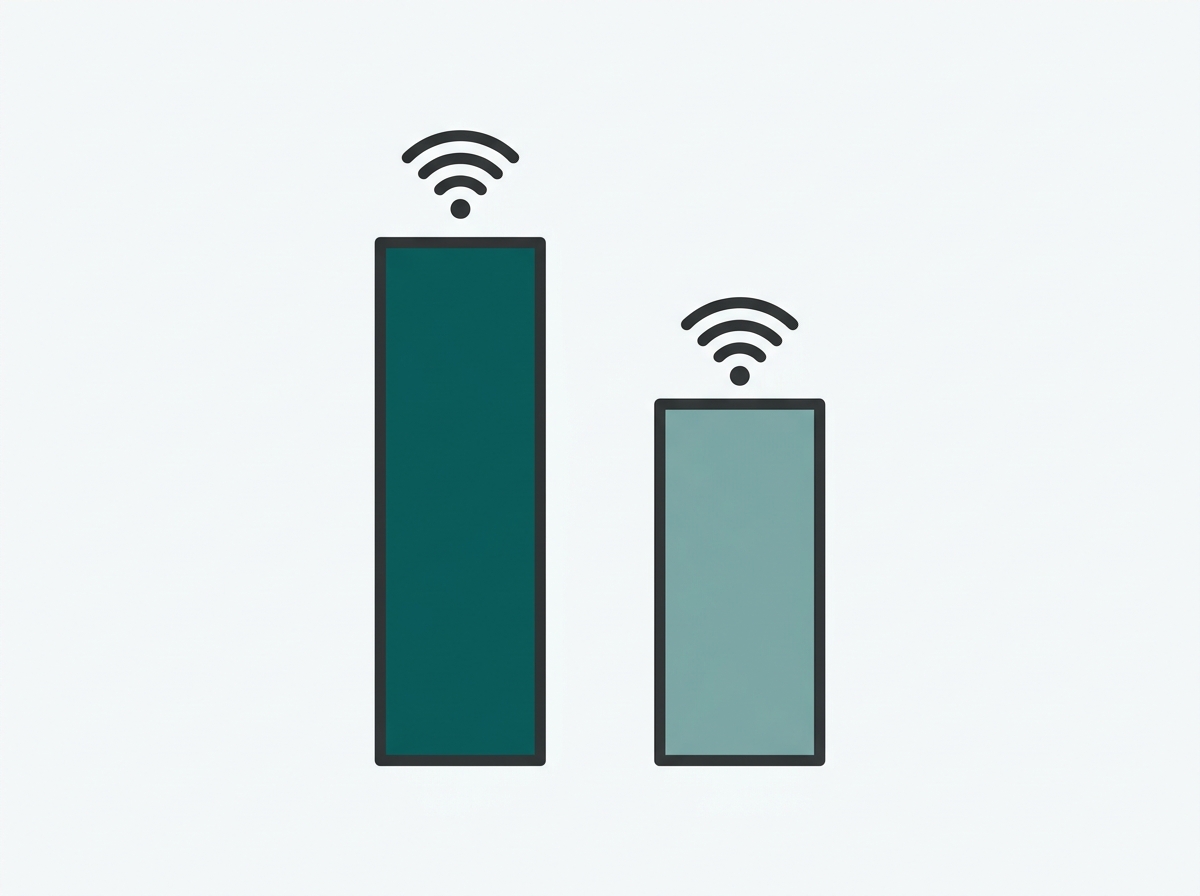
A network design that works in Metro Manila doesn't automatically work the same way in a branch three regions away. Ookla data reported by BusinessWorld found CALABARZON posting median fixed download speeds above 99 Mbps while Eastern Visayas trailed at roughly 38 Mbps in the same period, a gap wide enough that a multi-WAN failover plan built around Metro Manila-grade connectivity may not hold up in a branch located somewhere with slower or less reliable service.
Grid reliability compounds this. Manila's grid operator has issued repeated 2026 red alerts with rotating brownouts, and other regions of the archipelago face their own separate power reliability challenges.
A multi-site rollout needs a per-branch assessment of both internet and power reliability rather than assuming every location can be provisioned identically, which is precisely the kind of variability that centralized, template-based configuration with local overrides is built to handle.
|
Region (Example) |
Median Fixed Download Speed |
What It Means for Multi-Site Planning |
|---|---|---|
|
CALABARZON |
Above 99 Mbps |
A primary WAN link alone may be sufficient for day-to-day operations. |
|
Eastern Visayas |
Roughly 38 Mbps |
A branch here likely needs a more conservative multi-WAN failover plan than a headquarters-based template would assume by default. |
What It Means for You: Copying the Metro Manila branch's internet plan and failover setup onto a branch in a lower-connectivity region is one of the more common multi-site planning mistakes.
The Philippines' geography adds a practical cost dimension as well: sending an engineer to reconfigure a branch in a different island group costs meaningfully more in time and travel than a same-city visit, which is what makes zero-touch provisioning, shipping pre-configured or self-configuring hardware that a non-technical staff member can plug in, a bigger operational win here than in a smaller, more geographically compact market.
How Do You Keep Configuration and Compliance Consistent Across Every Branch?
Configuration Templates and Zero-Touch Provisioning
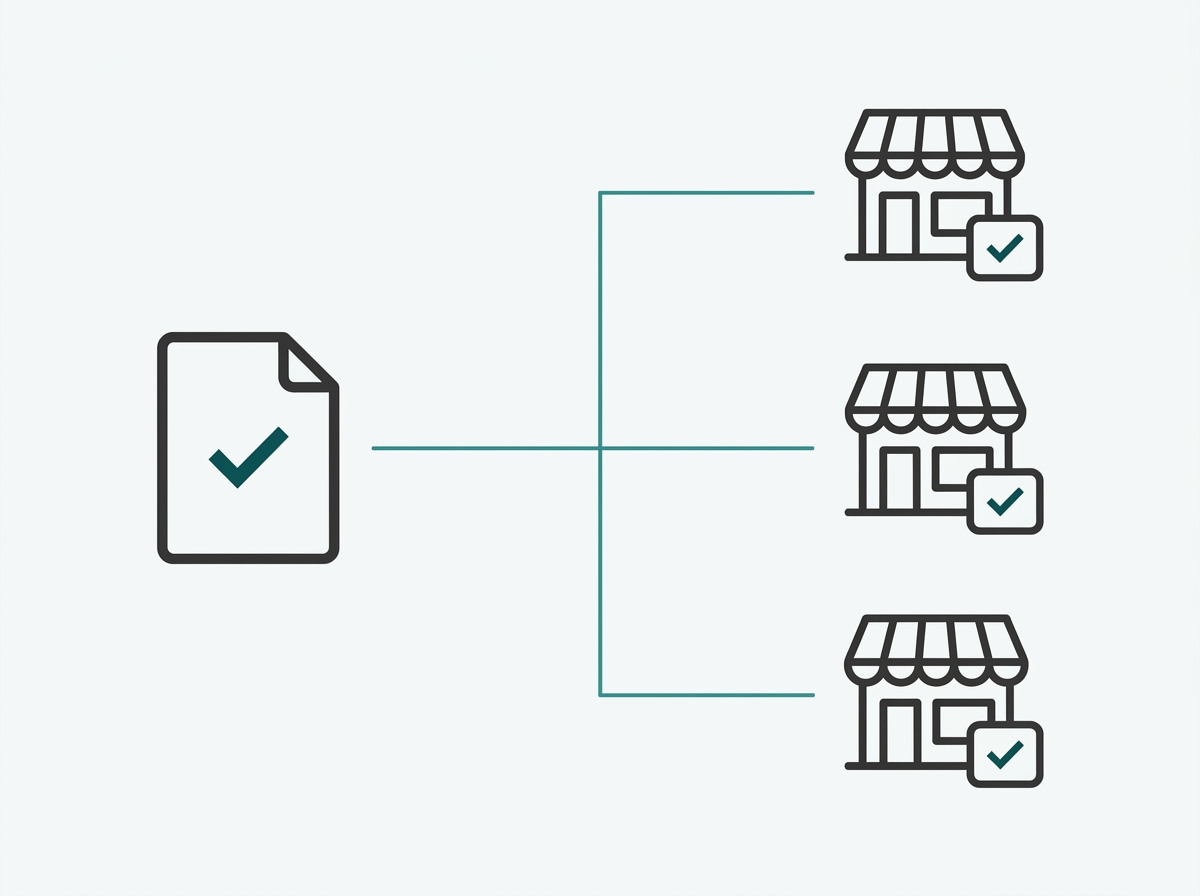
A configuration template defines VLANs, SSIDs, security policy, and captive portal settings once, then applies that template automatically to every new site as it comes online. Combined with zero-touch provisioning, hardware shipped to a new branch adopts its configuration on first power-up without a technician on-site, which is what makes rolling out network infrastructure to a tenth or fiftieth location as fast as the first.
What It Means for You: A retail chain opening five new branches in a single quarter can ship pre-configured hardware to each one and have staff plug it in, rather than scheduling an engineer visit to every new location before it can open.
Regulatory Consistency Across Every Branch, Not Just Headquarters
Philippine compliance rules increasingly apply per business entity, not per branch: BIR's e-invoicing rollout, for instance, requires that once a business is in scope, all of its locations must comply, not just the head office or flagship branch. The same logic applies to network security and guest data handling; a franchise or chain is only as compliant as its least-configured branch, which is exactly the gap centralized, templated network management is designed to close.
What It Means for You: A franchise that's fully compliant at its flagship store but hasn't standardized guest WiFi consent language at its newer branches is still exposed at every branch that falls short, since compliance obligations follow the business as a whole, not just its best-configured location.
What Are the Steps to Roll Out Multi-Site Network Management?
Standing up multi-site management follows five steps, whether the rollout covers three branches or thirty.
-
Choose a cloud-based controller with no per-site hardware requirement, so new locations can be added without deploying a physical controller at each one.
-
Build a configuration template covering VLANs, SSIDs, guest captive portal settings, and security policy, so every new site starts from the same known-good baseline.
-
Assess connectivity and power reliability per branch rather than assuming uniform infrastructure, adjusting the multi-WAN and backup power plan for each region's actual conditions.
-
Deploy zero-touch provisioning so new branches can be brought online by shipping pre-configured hardware rather than dispatching an engineer to each site.
-
Centralize monitoring and alerts across every site in one dashboard, so a problem at any branch is visible immediately rather than discovered only when a local manager calls it in.
What It Means for You: Step 3 is easy to skip when a rollout is moving fast, but it's the step that prevents a branch in a lower-connectivity region from becoming the one location that consistently underperforms the rest of the chain.
Frequently Asked Questions
Can one dashboard really manage networks in different cities or regions?
Yes. A cloud-based controller manages devices over the internet rather than a local network connection, so physical distance between sites doesn't limit how many locations one dashboard can cover; the practical limit is usually the controller tier and license rather than geography.
Does every branch need the same internet plan?
No, and assuming so is a common planning mistake. Regional broadband quality varies significantly across the Philippines, so each branch's internet plan and failover setup should be sized to what's actually available locally rather than copying whatever plan works at headquarters.
Does multi-site management support managed service providers handling multiple clients?
Yes. Multi-tenant management modes let a service provider manage several separate customer networks from one account, with individual access controls and reporting per client, which is a different use case from a single business managing its own branches, but uses the same underlying centralized architecture.
What happens if one branch loses internet connectivity to the cloud controller?
Locally configured settings, VLANs, security policies, and traffic routing already in place continue operating normally at that branch. Only remote configuration changes and live monitoring for that site are unavailable until connectivity is restored, and management resumes automatically once it comes back.
How does multi-site management help keep guest WiFi consistent across locations?
Since captive portal branding and consent language are defined once in the configuration template, every branch presents the same guest experience and the same compliant consent flow, rather than each location's guest WiFi being configured slightly differently by whoever set it up. The specifics of compliant captive portal design are covered in our Guest WiFi Best Practices guide.
How long does it typically take to onboard a new branch with zero-touch provisioning, compared to a manual setup?
A manual setup depends on scheduling an engineer's site visit, which can take days depending on the branch's location. Zero-touch provisioning collapses most of that timeline to however long it takes hardware to ship and a staff member to plug it in, since the configuration itself is applied automatically on first power-up.
Is multi-site management only worth it for large chains, or does it make sense for a business with just three or four branches?
It's worth setting up even at three or four branches, since the alternative, manually configuring and monitoring each site separately, already starts producing inconsistencies at that scale. Starting with centralized management early also avoids a harder migration later, once the business has grown to a size where retrofitting consistency across many branches is a much bigger project.
Final Thoughts
Multi-site network management turns a growing number of branches from a growing operational burden into a single, consistent system: one dashboard, one configuration template, and a rollout process that accounts for the Philippines' real regional variation in connectivity and power rather than assuming every site behaves like the first one. Getting this right is what lets a business scale from one location to fifty without network management scaling in cost and complexity at the same rate.
Omada's Cloud-Based Controller manages access points, switches, and gateways across unlimited sites from a single interface, with zero-touch provisioning for bringing new branches online without an on-site visit.
By Laviet Joaquin, Head of Marketing, TP-Link Philippines