


What Is Wi-Fi? Definition, Security, & Types
Wi-Fi is the center of modern wireless networking, allowing devices to be connected, go online, or share their data without physical cables. Wi-Fi fuels daily workloads for efficient daily operations, cloud apps, video calls, and smart devices-from offices and campuses to retail outlets and homes.
Ensuring the satisfaction of users is essential nowadays; wireless internet connections that are secure, fast, and reliable are the key. Did you know that there are over 5.4 billion people in the world who have access to the Internet, and more than 70% of businesses rely solely on Wi-Fi for conducting their business processes?
For any businesses or organizations that depend on fast, stable, and scalable networks, understanding what Wi-Fi is and how it works is important.
What is Wi-Fi?
Wireless Fidelity (commonly known as Wi-Fi) is the wireless networking technology that connects laptops, tablets, smartphones, security systems, and IoT gadgets to a local network and the wider internet via RF radiation instead of a cable.
Wi-Fi consists of access points and routers that are in compliance with the series of standards, namely, the 802.11 series, through which data is transmitted. These standards look into how data gets transmitted, how fast it is expected to travel, and how the authentication of devices is conducted securely during the network use.
Wi-Fi functions as an essential component of business operations because it enables workers and visitors and IoT devices to access network resources from any location within offices and warehouses and educational institutions and commercial spaces.
How Does Wi-Fi Work
Wi-Fi transmits information through radio frequency waves, which connect multiple devices to each other using three frequency bands, which include 2.4 GHz 5 GHz and 6 GHz. These bands are involved while your devices interact with the router.
-
The ISP' internet connection comes in a modem or gateway.
-
This data is converted into radio waves by a router or wireless access point.
-
Wireless devices access data wirelessly through radio waves used by Wi-Fi.
-
Defined protocols maintain secure data movement between an IT user and the network.
Enterprise entry-level applications are supposed to create access points for multiple users, optimum traffic loads, and seamless roaming where best performance and security are guaranteed.
Components of a Wi-Fi Network
Hardware
Wireless Routers
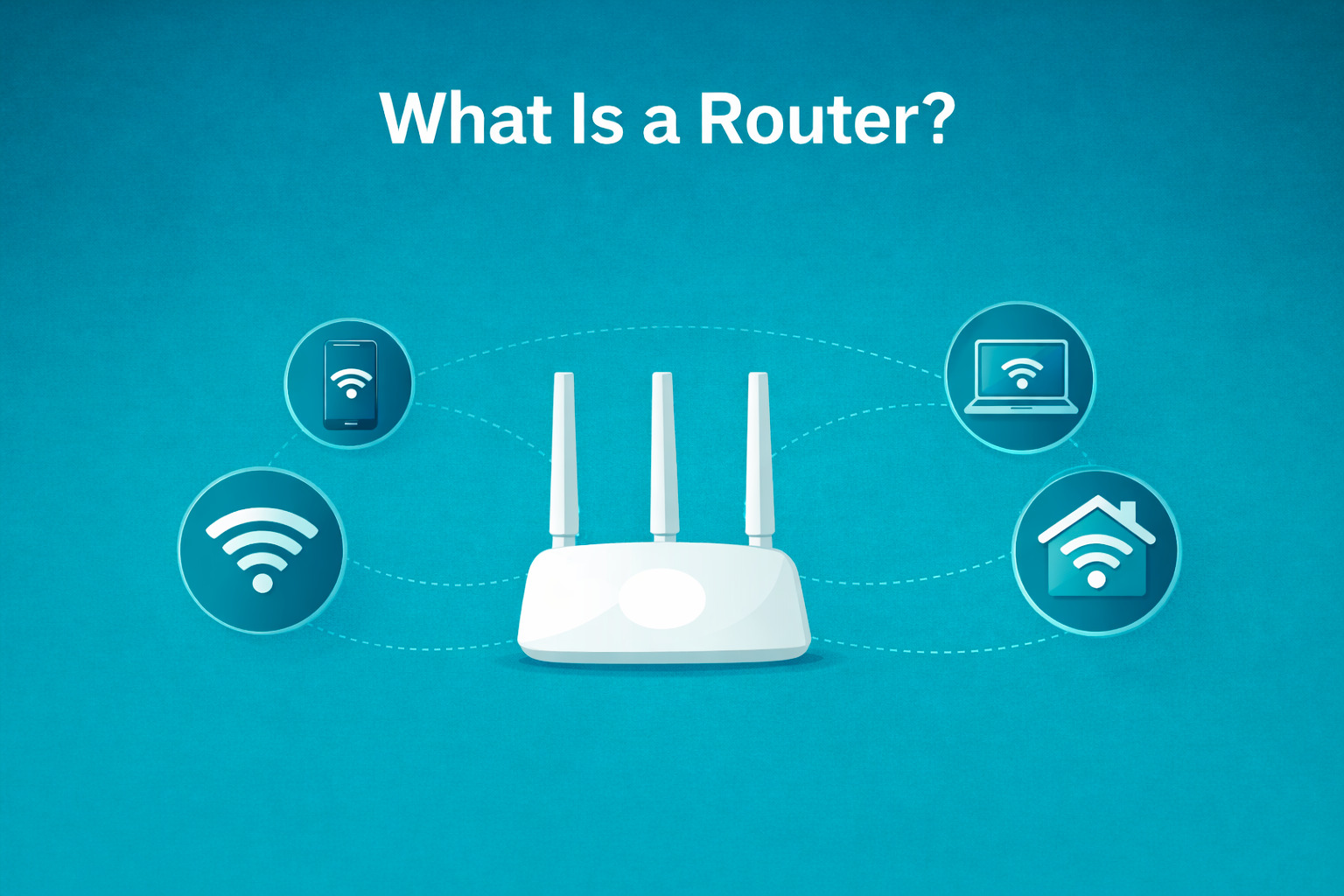
Routers work as the hub of the network sharing Wi-Fi, connecting different machines and transmitting and receiving data. High-quality routers are equipped for operational bandwidth management, firewalls, antivirus systems, and VPN support for the best secure connectivity.
Wireless Access Points (WAPs)
Wireless Access Points (WAPs) serve as devices that enable wireless devices to access wired networks through their transmission of Wi-Fi signals. The devices provide extended Wi-Fi coverage while enhancing connectivity solutions for residential spaces, commercial offices, and extensive buildings.
Switches
The controlled switching system connects access points and devices to a central switch, which enables centralized management and power over Ethernet delivery and prioritization of essential system operations.
Cabling
Ethernet cables connect access points and switches to the network backbone, ensuring stability in data transmission and power.
Software
Network Management Platforms
Centralized management software allows an administrator to configure, monitor, and optimize Wi-Fi networks with a single software tool. Such software-defined network (SDN) management has grown in popularity due to its scalability and operational efficiency.
Authentication and Access Control Systems
These are the systems that are responsible for identity recognition, guest portals, and device authentication and help to keep the network secure.
Protocols
Wi-Fi features within the framework of IEEE 802.11 standards, which include:
-
802.11n (Wi-Fi 4)
-
802.11ac (Wi-Fi 5)
-
802.11ax (Wi-Fi 6 / Wi-Fi 6E)
Wi-Fi 6 adoption rates are currently experiencing rapid growth. More than 60% of modern Wi-Fi networks now support Wi-Fi 6 operation because this technology delivers better speed performance, lower latency and higher reliability.
Types of Wi-Fi Networks
Home and Small Office Wi-Fi
Designed for low to moderate usage, typically using a single router or access point.
Enterprise Wi-Fi
The system was created to support high-density networks that operate in office buildings, university campuses, hotels, and shopping malls. It operates through multiple access points, which combine with its centralized management system and advanced security features.
Public Wi-Fi
Available in cafés, airports, and such places. For it to work properly, public Wi-Fi networks require good security measures for one's protection.
Mesh Wi-Fi
Uses multiple nodes to create seamless coverage across large areas, reducing dead zones and improving roaming.
Wi-Fi Security Explained
The security of Wi-Fi networks becomes essential because wireless connections have greater vulnerability than wired networks. Recent cybersecurity reports show that more than 40% of data breaches occur because of unauthorized network access, which often results from poorly protected Wi-Fi networks.
Common Wi-Fi Security Standards
- WPA2: It provides strong encryption but is being slowly replaced due to threats.
- WPA3: WPA3 is the latest Wi-Fi security standard and provides better encryption, as well as guards against brute-force attacks, aside from beefed-up security for public networks.
Additional Security Measures
-
Strong passwords and authentication
-
Network segmentation
-
Firewalls and intrusion prevention
-
Regular firmware updates
-
Guest network isolation
Enterprise Wi-Fi solutions such as Omada provide these protections in a centralized platform for easier management and compliance.
Wi-Fi vs. Internet
Wi-Fi and the internet are two distinct technologies that maintain a close relationship with each other. The internet serves as a worldwide network that enables users to access various online services, including websites, email, cloud applications and streaming services, while Wi-Fi functions as a wireless technology enabling devices like smartphones and laptops and smart TVs to access local networks without using physical cables.
Wi-Fi connects your devices to a router, which establishes an internet connection through your internet service provider (ISP). The system provides local network access through Wi-Fi, while users need Wi-Fi or mobile data to access the internet.
Why Wi-Fi Is Important For Businesses
A well-designed Wi-Fi network delivers multiple benefits:
-
Improved productivity by enabling mobility and collaboration
-
Scalability to support growing teams and devices
-
Reliable performance for cloud applications and video conferencing
-
Secure access for employees and guests
-
Support for IoT and smart systems, including cameras and automation tools
Nowadays, businesses are entirely dependent on Wi-Fi for more than one aspect. They don't use Wi-Fi just for Internet access but as a key infrastructure to go hand in hand with their operations and customer experiences.
Challenges of Wi-Fi Networks
Security Threats
Rogue and unauthorized devices may intercept data while targeting the network's integrity.
Poor Network Performance
Large numbers of wireless devices can result in interference and slower speeds if there is no proper planning in place.
Scalability Issues
Wi-Fi networks have to grow with the organization's growth by accommodating more users, applications, and speeds.
Management Complexity
Existing model of communication makes troubleshooting and enhancement a costly and time-consuming process.
Best Practices for Managing Wi-Fi Networks
Regular Maintenance
Keep your firmware and software up-to-date to enable more patching and performance improvements.
Use Enterprise-Grade Equipment
This level of equipment ensures reliability under heavyweight conditions.
Centralized Network Management
Use a single solution for the monitoring, configuration, and troubleshooting of your wired and wireless network.
Security
WPA3, Access Controls, and Ongoing Monitoring will safeguard your data.
Plan for Growth
Design your wireless network to scale to avoid expensive redesign.
How to Get Wi-Fi at Home
You need to obtain an internet connection from an internet service provider (ISP) before you can access Wi-Fi at your home. Your internet plan will be operational when your ISP provides either a modem or a compatible modem that you can buy. The modem establishes your home internet connection, which a Wi-Fi router uses to distribute the network to your devices.
After you connect your modem and router, you will create your Wi-Fi network by selecting a network name (SSID) and password through the router setup page or mobile application. You should position the router at a central point in your house for optimal signal distribution while you use the Wi-Fi password to connect your phones and laptops and other devices.
Future of Wi-Fi Technology
Wi-Fi 6 and Wi-Fi 6E
This standard works for faster speed, increased efficiency, and better performance in high-density environments.
IoT Integration
Wi-Fi networks will need to handle extremely large volumes of data at high speeds due to the rapid growth of IoT devices.
AI-Driven Network Optimization
Using AI, we can predict where the congestion will happen, optimize our coverage, and facilitate troubleshooting.
Conclusion
The current digital world needs Wi-Fi as its primary means for users and businesses to communicate and work together and stay connected. Organizations have built their networks to achieve fast and secure and scalable performance because they understand what a WiFi is and safety protocols and types of technology.
TP-Link's Omada provides business enterprises with the potential to implement reliable Wi-Fi networks driven by growth, data safety, and immersive wireless experience.
Here are the best Wi-Fi devices that are excellent for both personal and business use, offering reliable connectivity, centralized management, and scalable performance:
EAP650‑Wall Wi‑Fi 6 Access Point: The system provides optimal Wi‑Fi 6 coverage through its two installation options which include desktop and wall-mounted setups. It enables users to move between different areas without interruption while maintaining control through Omada's centralized management system.
EAP225‑Wall Omada AC1200 Wireless Access Point: The AC1200 access point serves as an affordable and dependable solution that functions effectively in small spaces such as retail shops, office environments and home settings that demand constant Wi-Fi connectivity.
EAP110 Wireless N Outdoor Access Point: The outdoor access point provides durable outdoor access to Wi-Fi coverage, which extends to gardens and patios and outdoor business areas because its design protects against weather conditions.
FAQs About Wi-Fi
What does Wi-Fi mean?
Wi-Fi means Wireless Fidelity, and it refers to wireless local area networking technology.
Is Wi-Fi safe to use in a business?
Yes, for business usage, under proper configuration of business security standards like WPA3 and access control methods.
What is the difference between Wi-Fi and the internet?
Wi-Fi links devices locally, like a cable network adapter does-while the internet is a global network reachable through that connection.
How relevant or of vital importance is Wi-Fi 6 as an internet tool?
Speedy, more reliable, and more efficient Wi-Fi yields benefits like bettering the performance of numerous wireless access devices in a scenario whenever we can see a group of connected devices.
What can the business do to enhance their Wi-Fi signals?
Using multiple APs, centralized management, and decent network planning are some of the best.


_20250416075302v.jpg)
_20250110062943t.png)
