
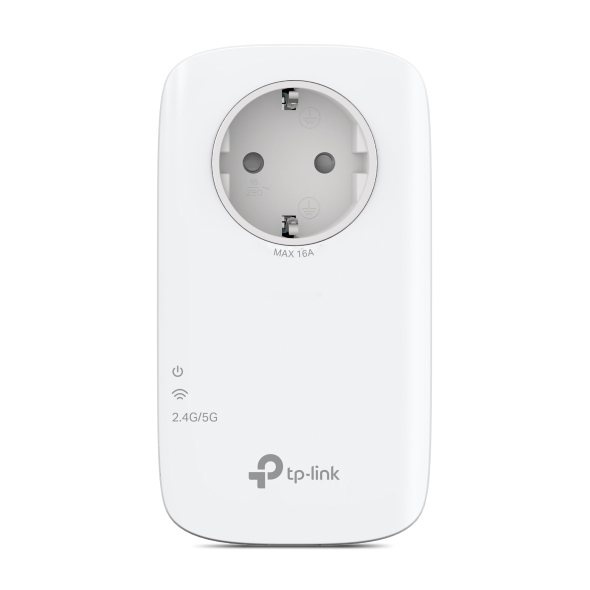
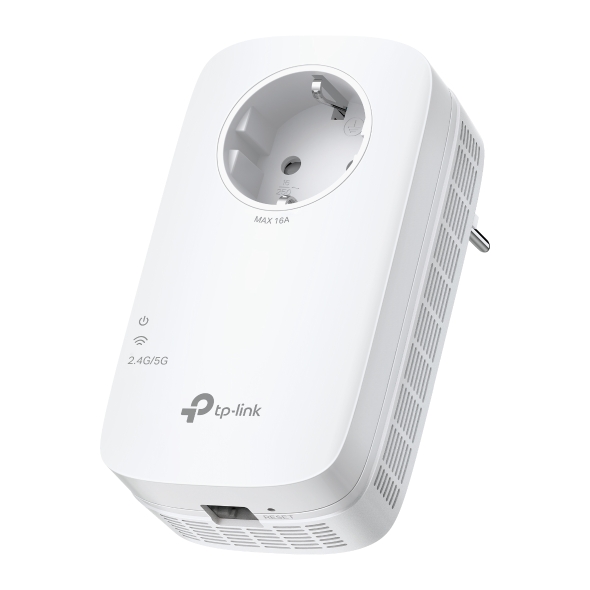
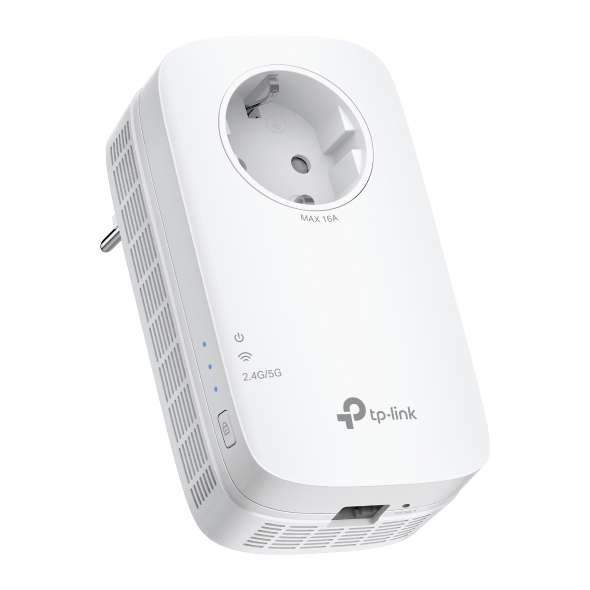
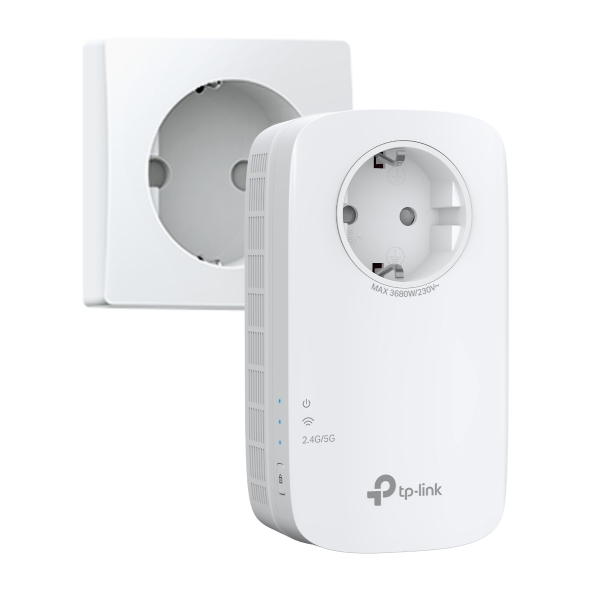

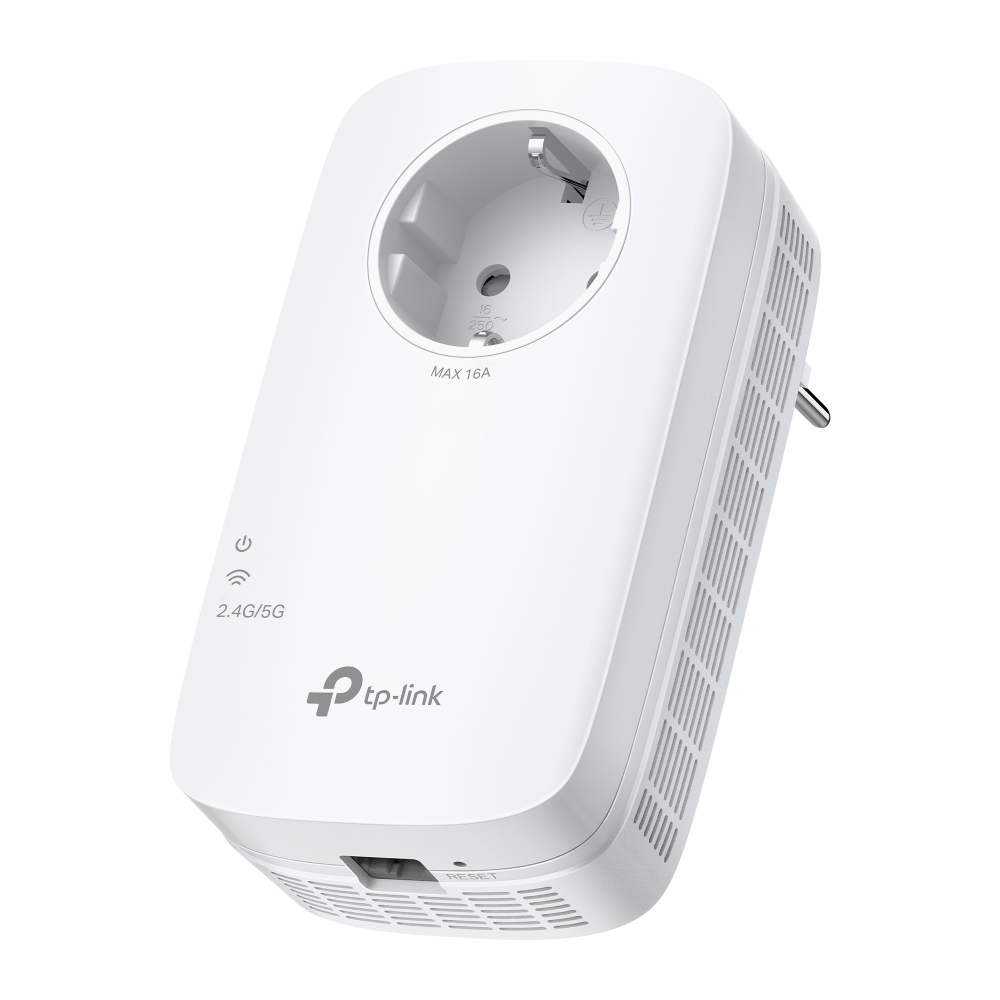
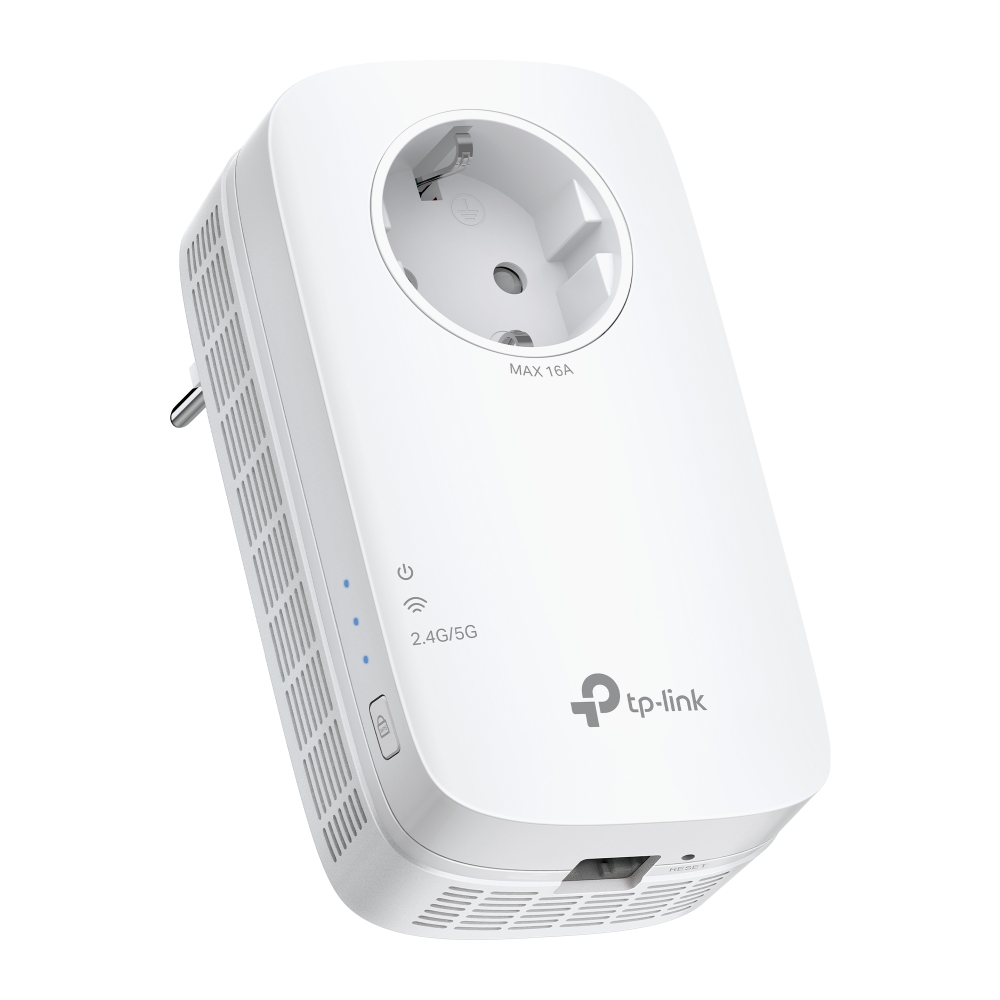
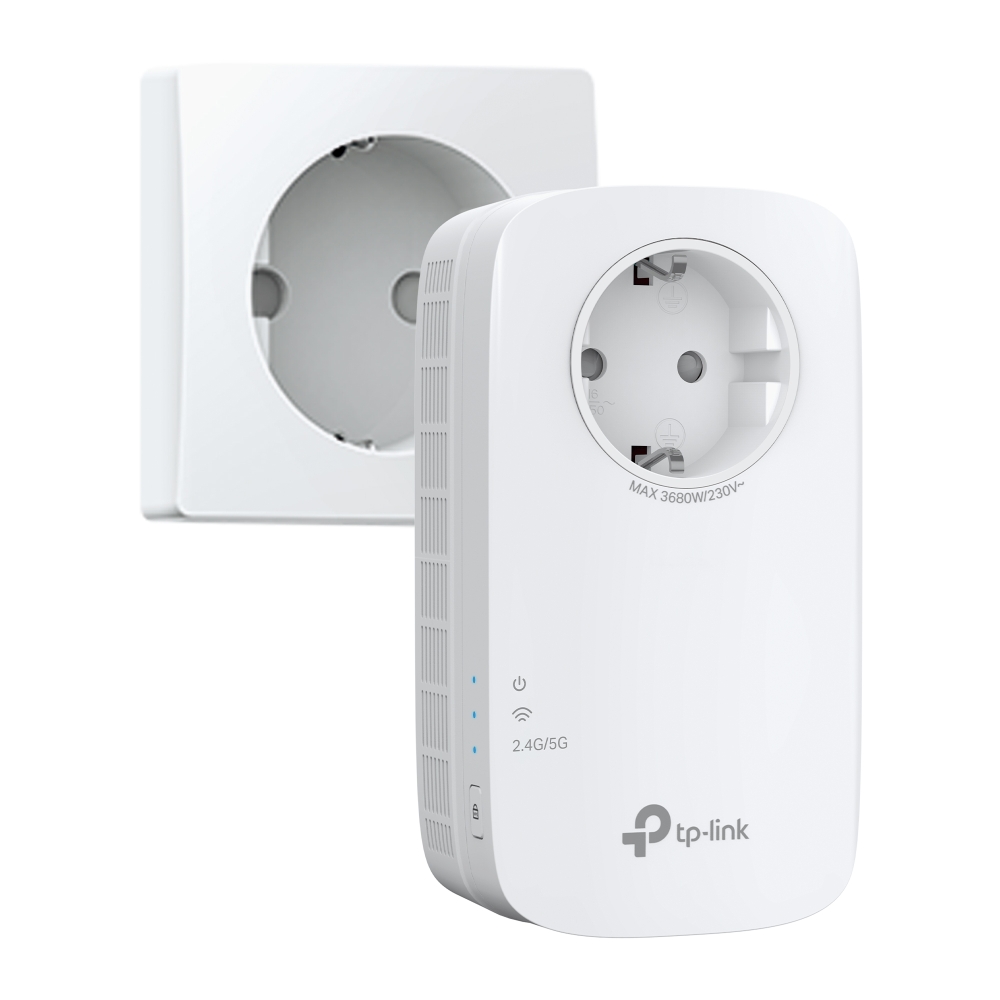

RE660X
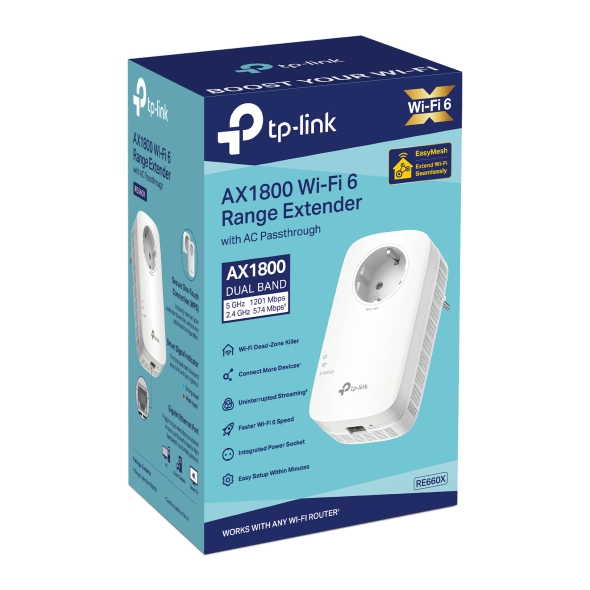
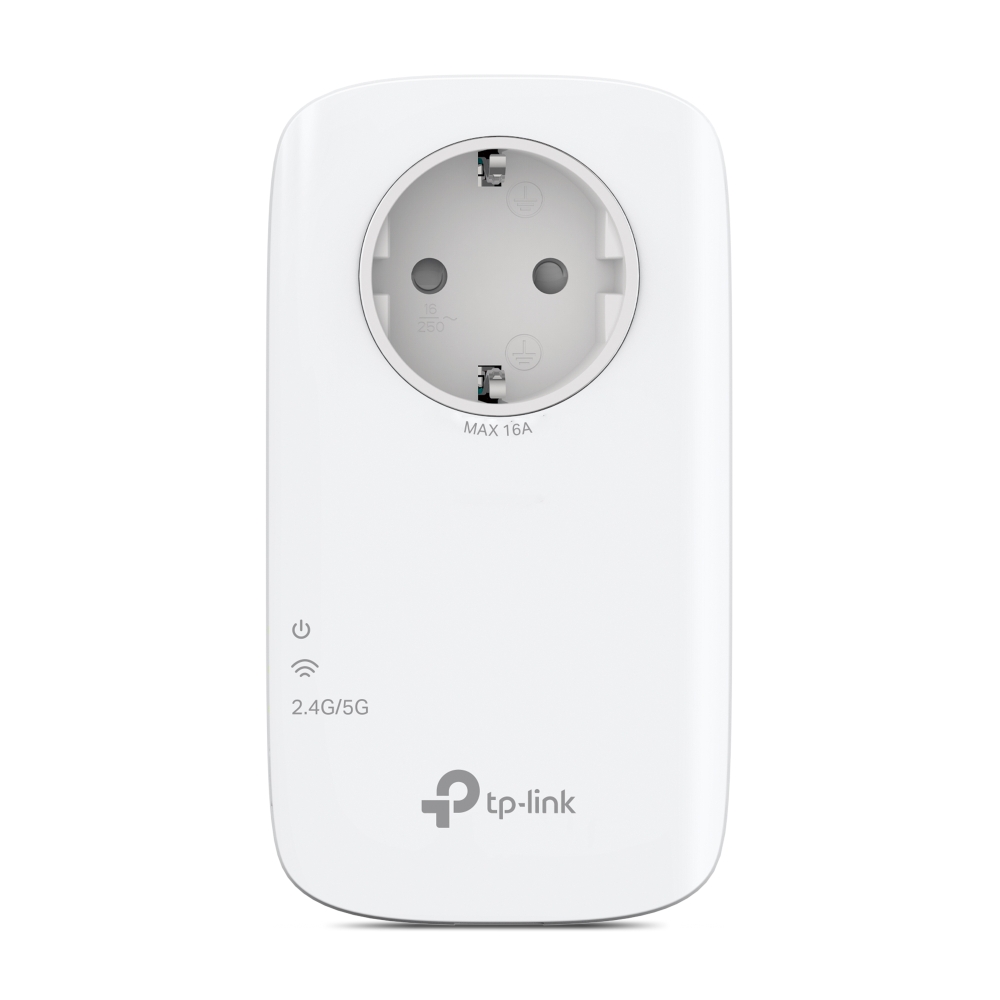
AX1800 Wi-Fi Range Extender
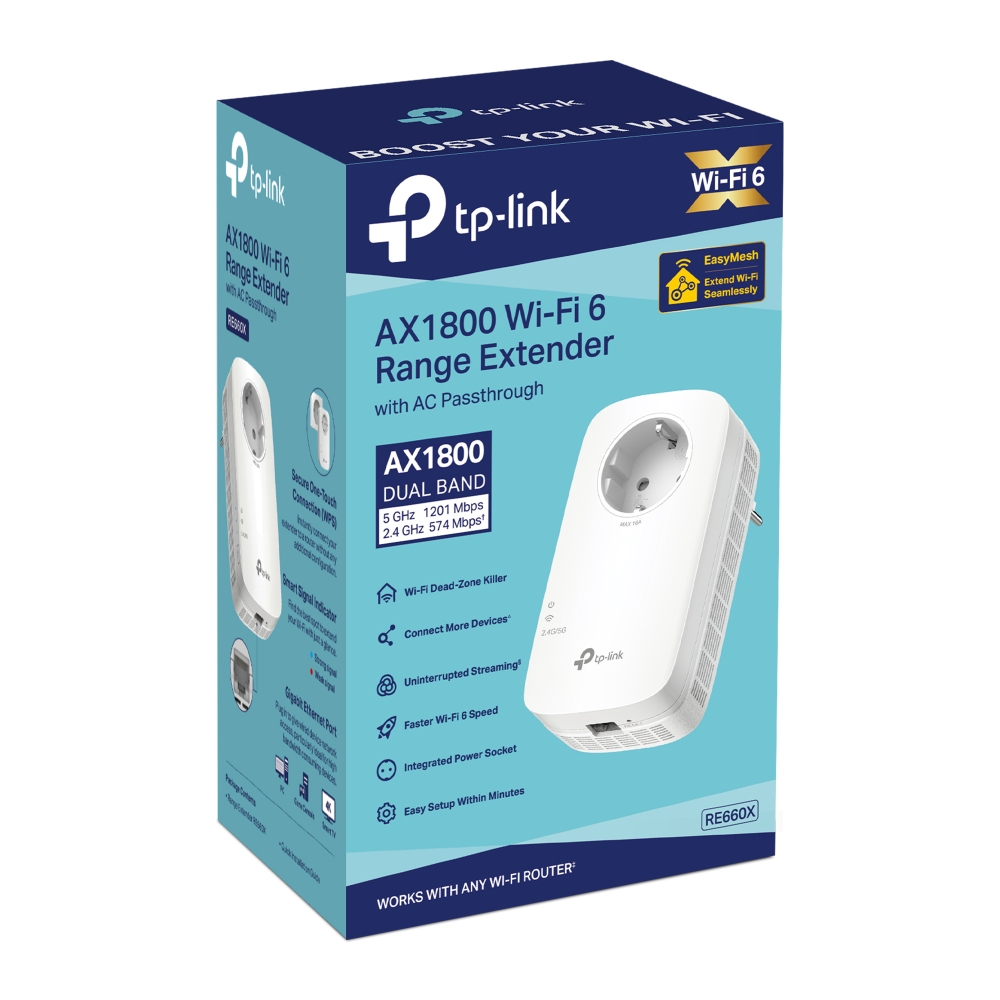
- Up to 1.8 Gbps Dual Band Wi-Fi: Separates 5 GHz (1201 Mbps) and 2.4 GHz (574 Mbps) WiFi bands for faster speeds and greater capacity with the WiFi 6 technology.†
- Smart Roaming: Walk from room to room and stay connected with the fastest possible speeds.§
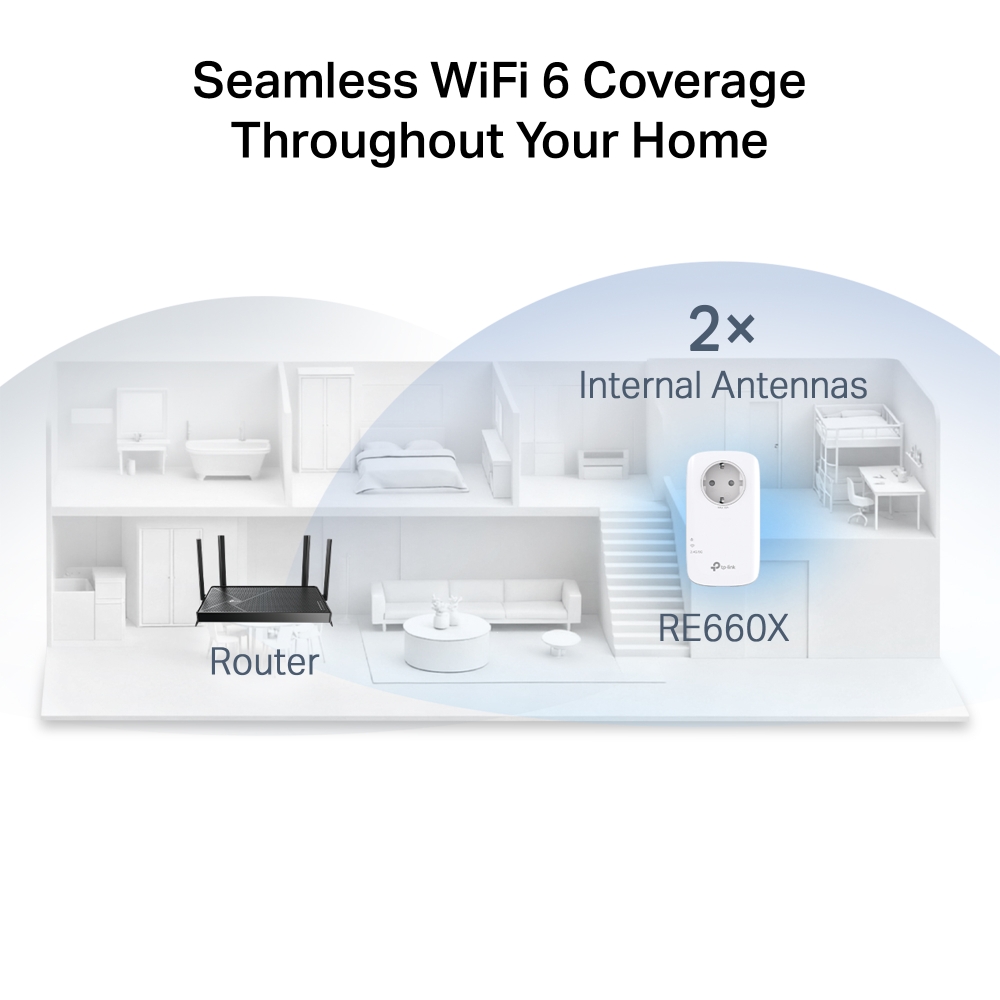
- EasyMesh for Whole Home WiFi: Flexibly create a Mesh network by connecting to a TP-Link OneMesh™ router for seamless whole-home coverage.
- Gigabit Ethernet Port: Provides faster wired connections to smart TVs, computers and gaming consoles.
- AP Mode: Create a new WiFi access point through the Gigabit Ethernet port to enhance your wired network with WiFi capability.
- Easy Setup: Plug in and then easily set up via a press of the WPS button or via the Tether App.
- Ultimate Compatibility: Extends the range of any Wi-Fi router or wireless access point.*


Every Corner AX1800 Wi-Fi 6 Range
Extender with AC Passthrough
AX1800 Extremely-Fast WiFi

Wasted 1 Gigabit Ethernet Port Works with any
WiFi router1 Dual Band MU-MIMO2 EasyMeshTM


network names
(Router+Range Extender)








| Interface | 1 Gigabit Ethernet Port |
|---|---|
| Button | • WPS Button• Reset Button |
| Input Power | 100-240V~50/60Hz |
| Max. Power Consumption | 10W |
| Dimensions ( W x D x H ) | 2.9×1.8×4.9 in. (74.0×46×124.8 mm) |
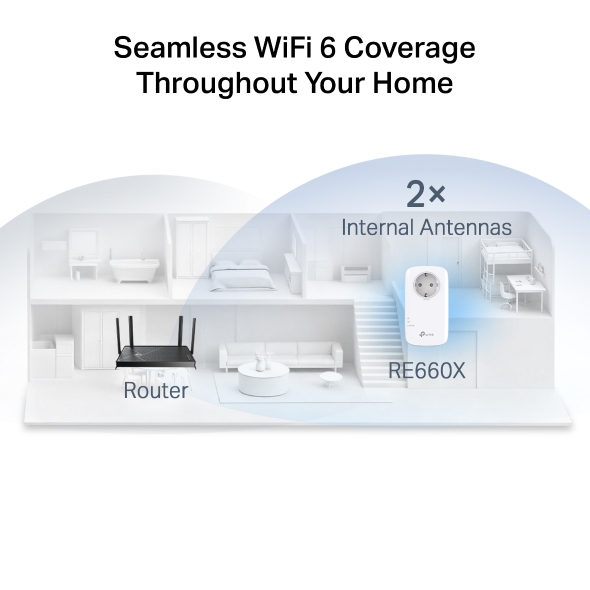
| Antenna | 2 Internal Antennas |
| Wireless Standards | • IEEE 802.11a/n/ac/ax 5GHz• IEEE 802.11b/g/n/ax 2.4GHz |
|---|---|
| Frequency | 2.4GHz and 5GHz |
| Signal Rate | • 574 Mbps at 2.4 GHz• 1201 Mbps at 5 GHz |
| Working Modes | Range Extender/Access Point |
| Reception Sensitivity | 5 GHz: 11ax HE80 MCS0: -87dBm, 11ax HE80 MCS11: -56dBm 11a 6Mbps: -93dBm, 11a 54Mbps: -75dBm 11ac HT20 MCS0: -92dBm, 11ac HT20 MCS8: -70dBm 11ac HT40 MCS0: -90dBm, 11ac HT40 MCS9: -66dBm 11ac HT80 MCS0: -87dBm, 11ac HT80 MCS9: -62dBm 2.4 GHz: 11ax HE40 MCS0: -93dBm, 11ax HE40 MCS11: -63dBm 11g 54Mbps: -77dBm, 11n HT20 MCS7: -75dBm 11n HT40 MCS7: -72dBm |
| Wireless Functions | • Enable/Disable Wireless Radio• DFS (the latest firmware and hardware version is required)• Access Control• LED Control• Power Schedule• Wi-Fi Coverage Adjustment |
| Wireless Security | • 64/128-bit WEP• WPA/WPA2-PSK encryptions |
| Transmission Power | CE: • 2.4 GHz ≤ 20 dBm• 5 GHz ≤ 30 dBm |
| Mesh Technology | EasyMesh |
| Certification | CE |
|---|---|
| Package Content | • Wi-Fi Range Extender RE660X • Quick Installation Guide |
| System Requirements | Microsoft Windows 98SE, NT, 2000, XP, Vista™ or Windows 7, 8, 8.1, 10, MAC OS, NetWare, UNIX or Linux Internet Explorer 11, Firefox 12.0, Chrome 20.0, Safari 4.0, or other Java-enabled browser |
| Environment | • Operating Temperature: 0℃~40℃ (32℉ ~104℉)• Storage Temperature: -40℃~70℃ (-40℉ ~158℉)• Operating Humidity: 10%~90% non-condensing• Storage Humidity: 5%~90% non-condensing |
†Maximum wireless signal rates are the physical rates derived from IEEE Standard 802.11 specifications. Actual wireless data throughput and wireless coverage are not guaranteed and will vary as a result of network conditions, client limitations, and environmental factors, including building materials, obstacles, volume and density of traffic, and client location.
‡Use of Wi-Fi 6 (802.11ax), and features including OFDMA, 1024-QAM, MU-MIMO and HE160 requires clients to also support the corresponding features.
§Smart Roaming is designed for devices that support the 802.11k/v standard.
△The maximum capacity is the maximum number of signals that can be connected under ideal conditions, and the specific situation varies with the location of the RE, the type of connected equipment, etc.
*The product may not be compatible with routers or gateways with firmware that has been altered, based on open source programs, or is non-standard or outdated.
Actual network speed may be limited by the rate of the product's Ethernet WAN or LAN port, the rate supported by the network cable, Internet service provider factors and other environmental conditions.