
How to View, Check, and Save the System Log on Your TP-Link Router
The system log on a TP-Link router records network activity, connection events, and system errors, which is what users mean when they search for TP-Link router logs or how to check router logs. This guide explains how to access, view, and save that log history through the router's web management interface. The steps use the Archer BE800 as an example but apply to most TP-Link wireless routers.
Key Takeaways
- The TP-Link router system log records network events, connection activity, and system errors. It is useful for troubleshooting connectivity issues.
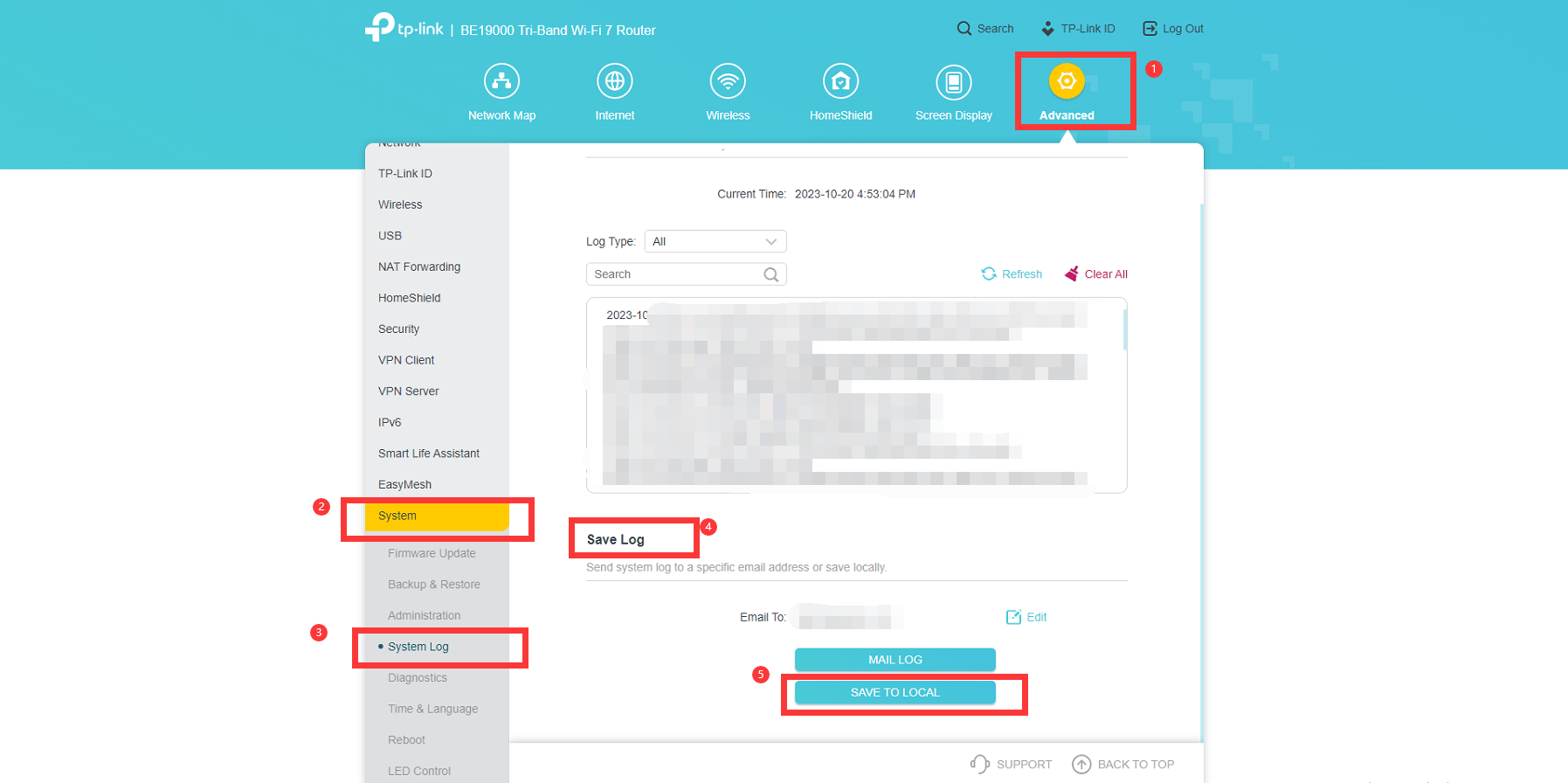
- To access the system log, log in to the router's web management interface and go to Advanced > System > System Log.
- Logs can be filtered by log type to view specific activity categories.
- To save the system log to your computer, click Save Log and select Save To Local.
What Does the TP-Link Router System Log Show?
The system log records network activity, connection events, Dynamic Host Configuration Protocol (DHCP) assignments, and system errors. Logs can be filtered by log type to view specific activity categories. This information is useful for diagnosing connectivity issues, identifying unauthorized access attempts, and troubleshooting network problems.
How to View and Save Your TP-Link Router Log
Step 1. Log in to the router’s Web UI. For further information, refer to How to Log In to Your TP-Link Router.
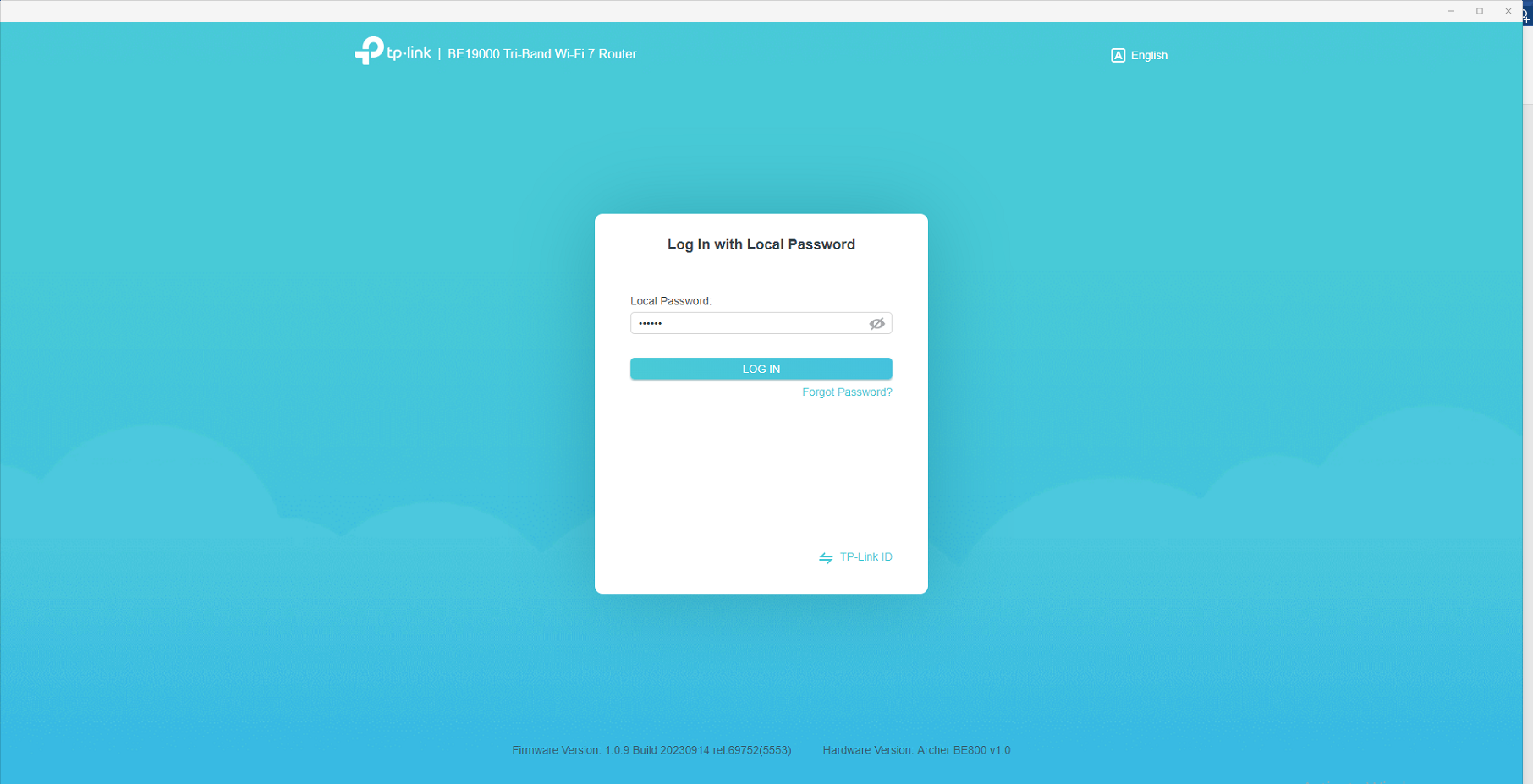
Step 2. Go to Advanced > System > System Log to view logs filtered by log type. To save the log, click Save Log and select Save To Local — the file will be saved to your computer.
Looking for More
Is this faq useful?
Your feedback helps improve this site.
14.0-A_normal_1584497163963a.png)
3.0-A_normal_1584497102381x.png)

TP-Link Community
Still need help? Search for answers, ask questions, and get help from TP-Link experts and other users around the world.